Colors
Monochromatic dark palette with a full semantic colour range. Toggle light/dark mode to see both surfaces.
Surface layers
Text
Semantic
Accent palette — retro neon tones
Typography
Inter at 12–14px for tool UI. Switch font using the header selector.
Spacing
4px base grid.
Tabs
Segmented grid-style tabs. Active tab floats on dark container. Supports 2–4 columns.
2 Columns
4 Columns
Toggle Group
Radio-style toggle buttons. Single and multi-select modes.
Single select (default)
Multi select
Disabled
Slider
Range slider with label row. Value displayed live on right.
Swatch Picker
Color palette grid. Click to select — checkmark on active swatch.
Card
Feature announcement card. Close button, media area, badge tags, primary CTA.
New Features
Multi-pass render chaining is now available.
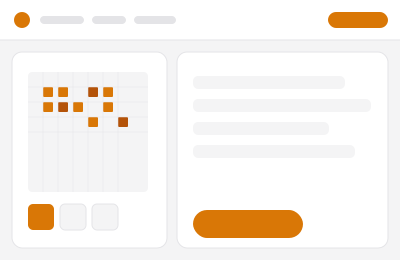
Algorithm
Soft mode selected
Soft mode uses gentle tone mapping for clean, high-contrast output — ideal for logos and line art.
Badge
Default pill badges and uppercase tag style.
Tags
Semantic
Input
Text input, textarea, select. 36px height, 6px radius.
Only PNG and JPG files are supported.
Upload Zone
Dashed border drop zone. Background is transparent (§10) — hover adds subtle fill.
Modal
Backdrop blur. Slide + scale entrance. Click outside or Escape to close.
Toast
Slide in from right. Auto-dismisses after 4s.
Accordion
Grid row height transition. One open at a time (exclusive). Focus-visible ring.
Soft mode is ideal for logos and sharp graphics. Diffuse mode creates natural-looking results for photos. Grid produces a structured, ordered look. Natural is most organic for complex images.
Yes. Use the Color and Color 2 pickers to set your render palette. The tool maps image tones between the two selected colours.
PNG, JPG, and WebP. PNG is recommended for sharp edges and preserves detail without compression artifacts.
Skeleton
Loading shimmer. Matches card and image border radius.